OpenGolfSim Desktop
A free golf simulator with video replay and shot data visualization
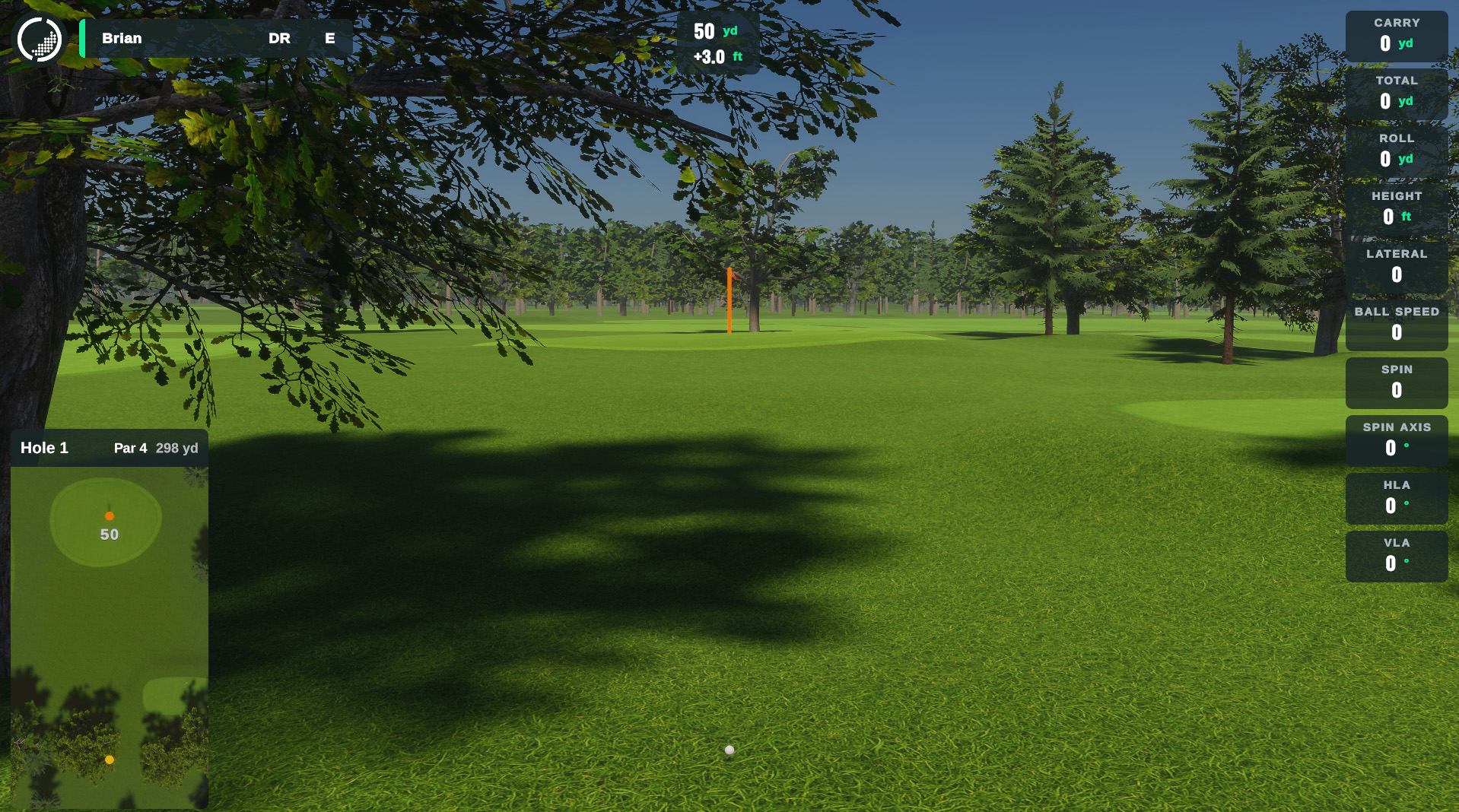
Step Up Your Game
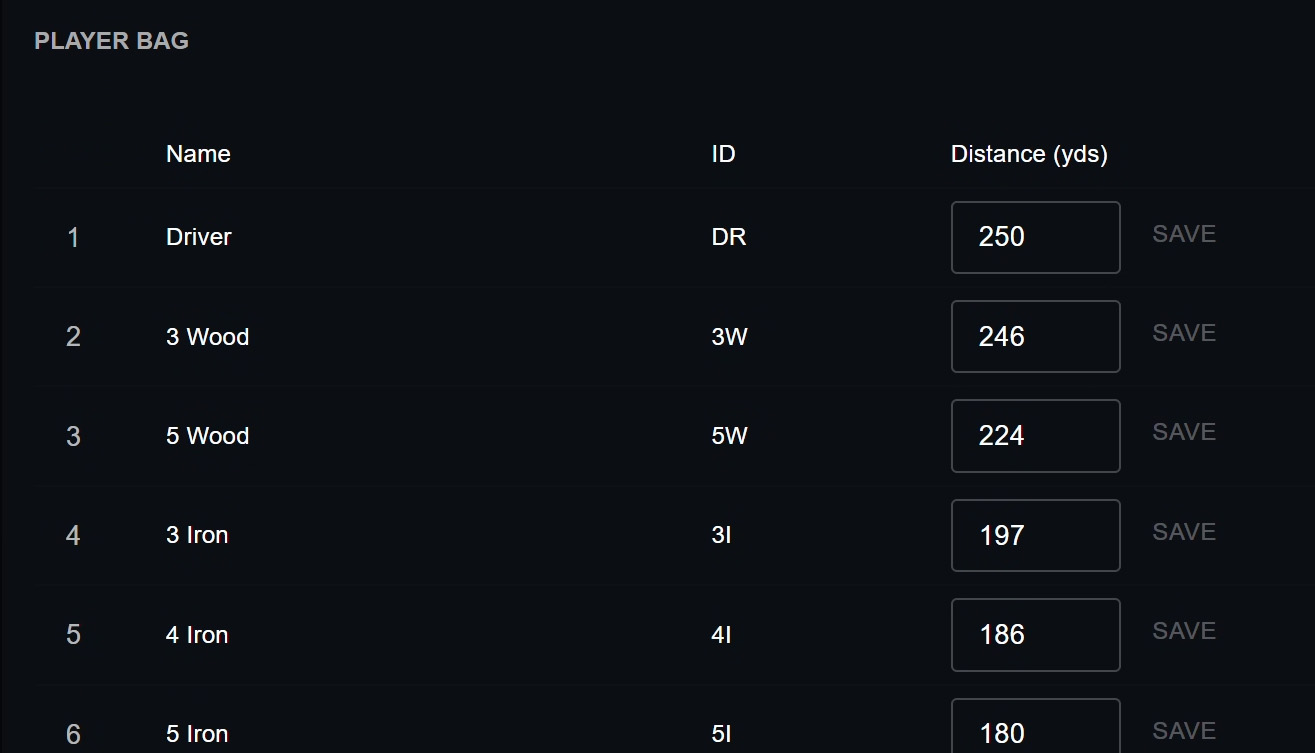
Customize the clubs in your bag and track your distances, accuracy, swing videos, and more. Everything stays in one place so you can see your progress and spot what needs work.
Supported Launch Monitors
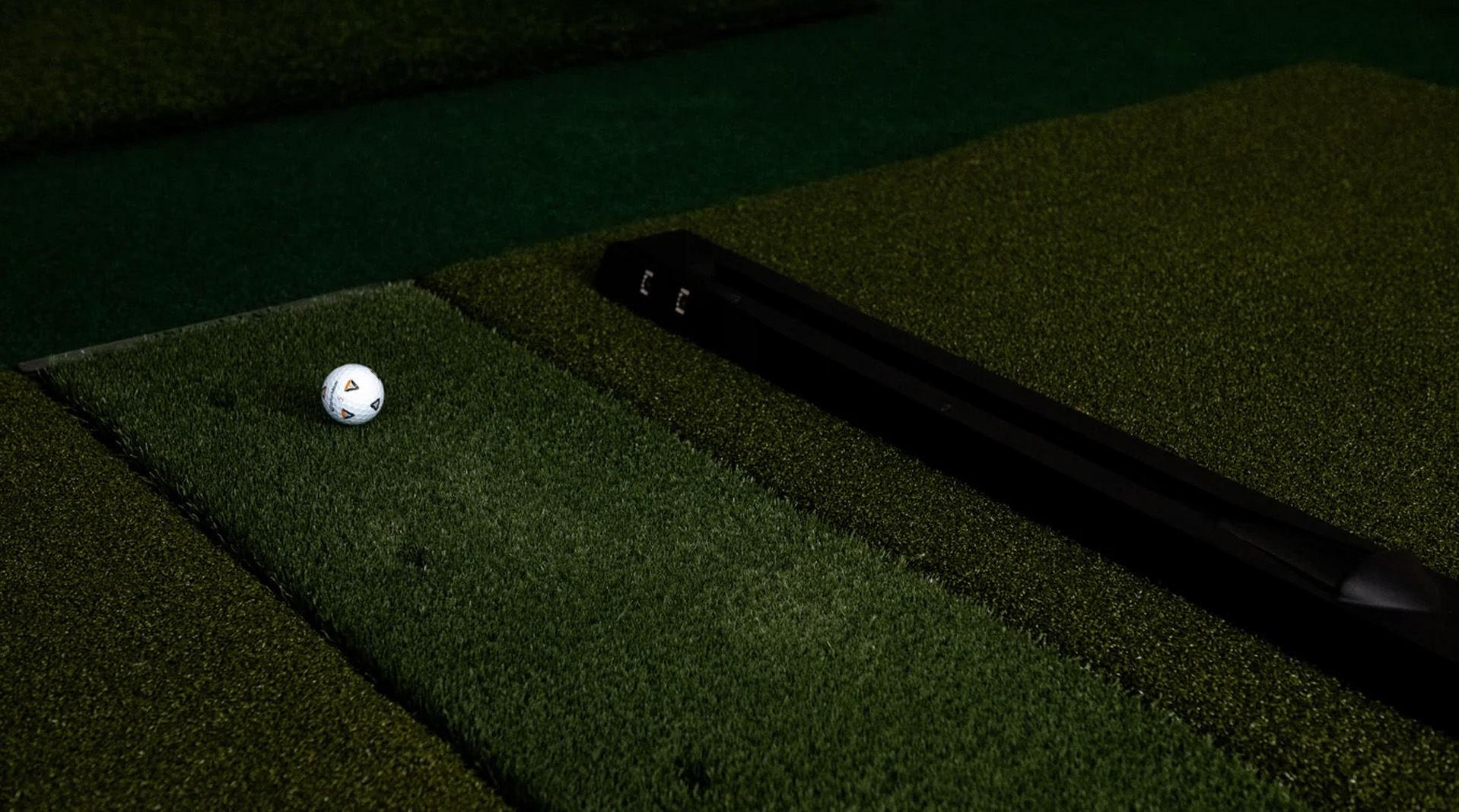
We’re working with partners to expand launch monitor support to include more devices. Check compatibility for your current model or use a community-built connector to get started today.

Create Your Own Courses
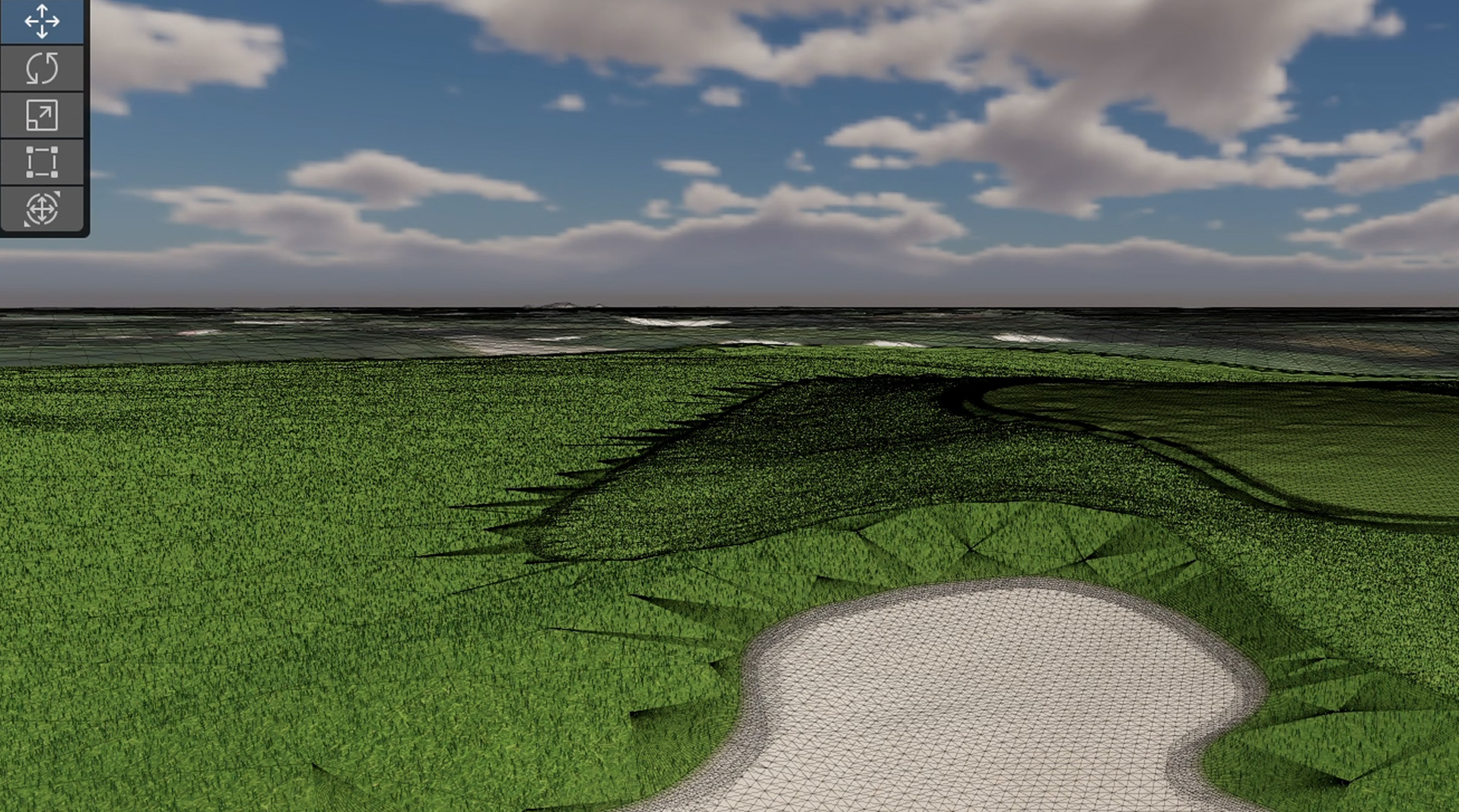
Join a growing community of developers building high-quality golf courses. Use our tools and workflows to design, test, and publish your creations. Read through the Course Building Guide to get started.
How does it work?
1. Download & install OpenGolfSim Desktop on a Desktop PC that meets our minimum requirements.
2. Connect a compatible launch monitor or find a community-built connector for your launch monitor.
3. Connect a webcam to automatically capture and display swing videos on each shot.
4. Launch the practice range, play a free course, or checkout our course store!